Feed
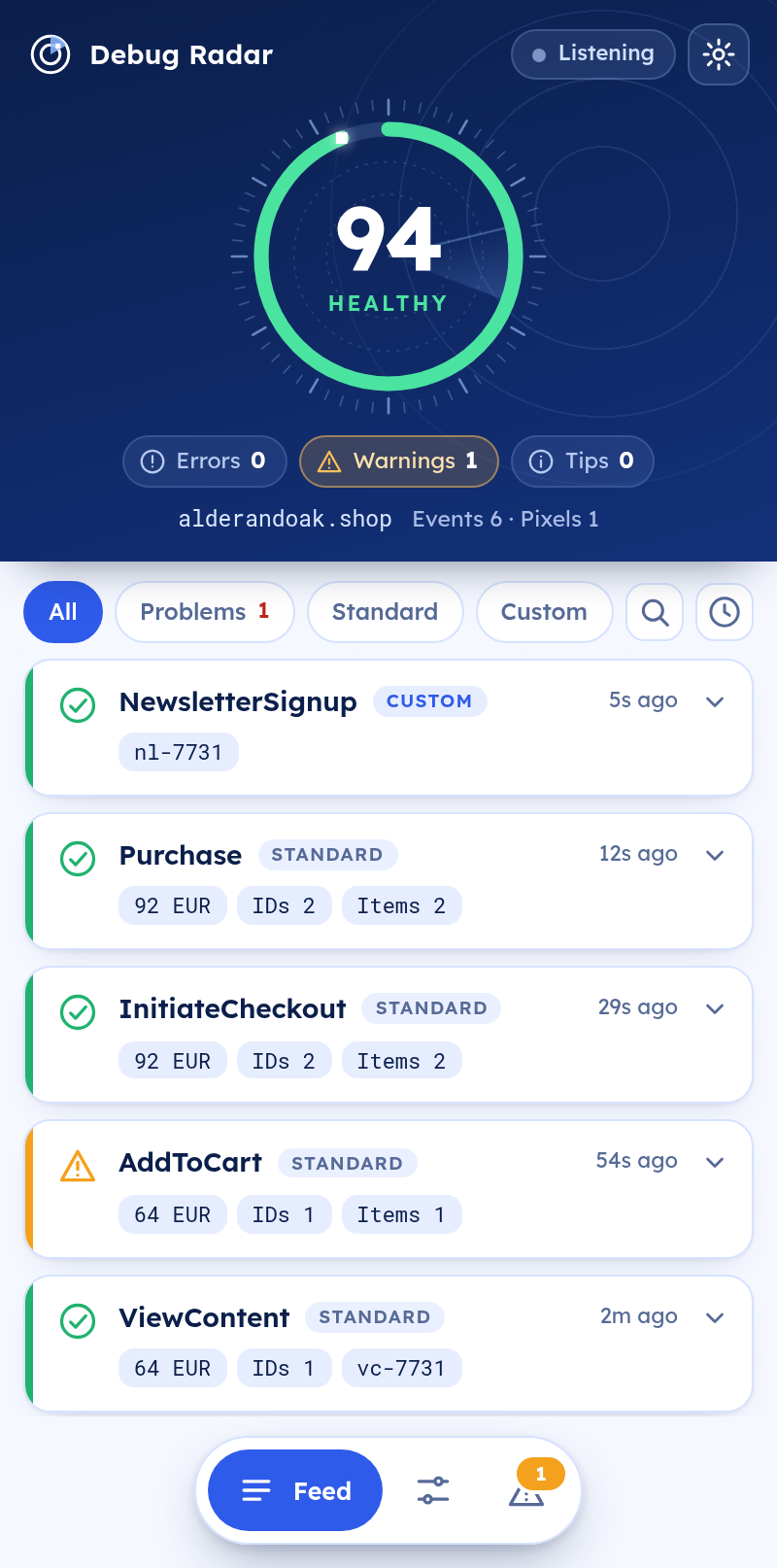
Every event as a card
Latest on top, with the value and IDs on each card. Open one to read every parameter and copy it as JSON.
Chrome side panel for the Meta Pixel
Open the side panel and get a live health score, every event as it fires and a clear fix for each problem.
Runs in your browser. No account, no tracking.
alderandoak.shop · Events 6 · Pixels 1
How it works
Click the toolbar icon on any website. The radar starts listening before the page loads its pixel.
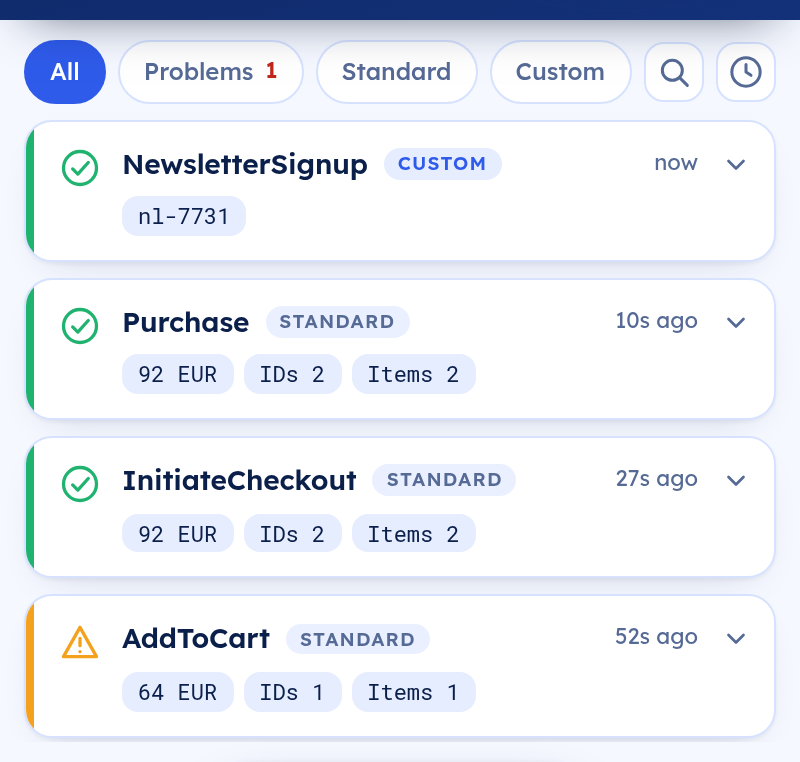
Browse, add to cart and check out. Each pixel event appears the moment it fires.
The ring shows the health of the page. Open Issues to see what to fix and where.
The three views
Latest on top, with the value and IDs on each card. Open one to read every parameter and copy it as JSON.
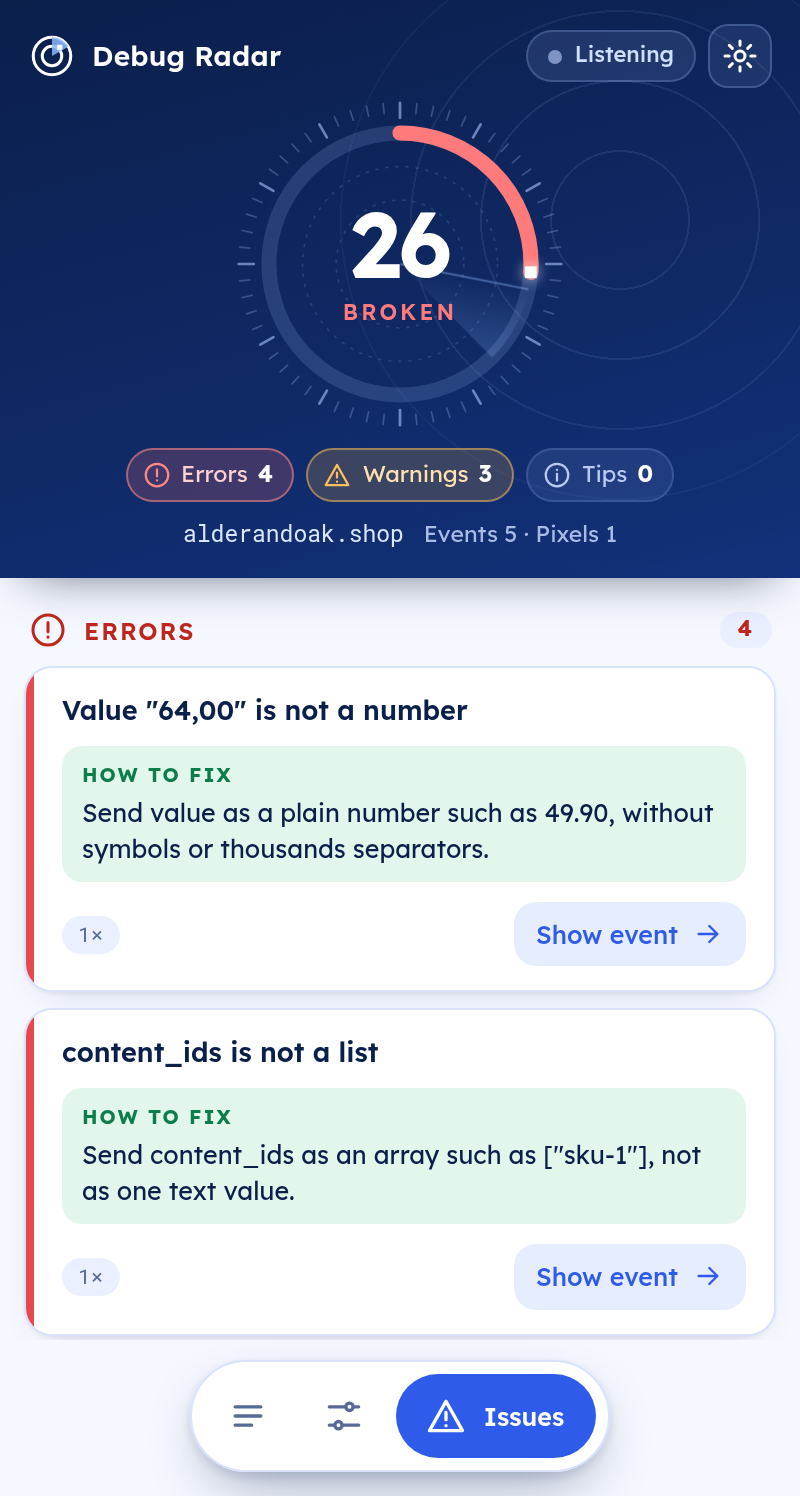
Errors, warnings and tips sorted by severity. Each has a one-line fix and a button that jumps to the event.
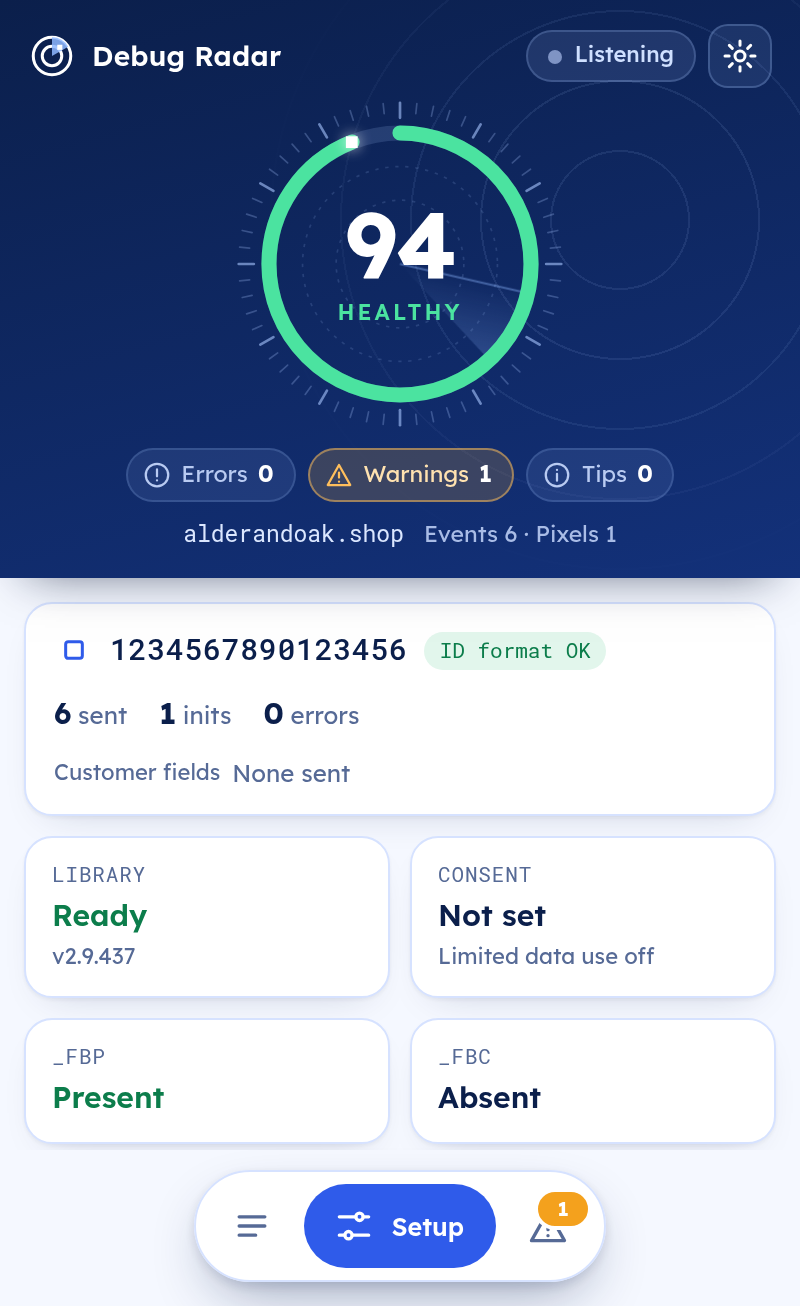
Pixel IDs, library, consent, limited data use, cookies and whether customer fields are hashed.
What the radar checks
Severity is error, warning or tip. Together they set the score in the ring.
Missing, not a number or not a valid code.
Product IDs and content type are present and well formed.
Misspelled keys and look-alikes that Meta will ignore.
A custom event that should have been a standard one.
The same event sent twice within two seconds.
Missing or reused, so server matching stays possible.
Emails and phone numbers in parameters or in the page address.
Customer fields that were sent without hashing.
Odd pixel IDs, a pixel started twice or two pixels at once.
A page that sent events but never a PageView.
The browser cookie missing, or a click ID without its cookie.
Consent and limited data use, and events sent while consent was revoked.
Private by design
The extension reads pixel requests on the page you have open and shows them to you. It makes no network requests of its own, has no account and no analytics.
Read the privacy policyThe panel follows your browser language, including a full right-to-left layout.
ENESPTFRDEITTRIDVIARHIJATHPLNL
Follows your system or set it yourself in the settings sheet.
FAQ
Open your site and click the toolbar icon to open the side panel. Use the page like a visitor: browse, add something to the cart and go through checkout. Each event appears live. Open the Issues view for the fixes and reload the page to catch events that fire while it loads.
Yes. Everything is processed in your browser. The extension makes no network requests of its own, has no account and no analytics. History stays in extension storage on your device for 14 days and you can clear it at any time. Customer details are never stored: only the names of the fields and whether they were hashed.
No. It only reads what the page sends from the browser. It does not connect to Meta and it cannot see your Events Manager.
The page called the pixel, but no request was observed. The browser, an ad blocker or the consent setting may have stopped it, or it may have been sent in a way the extension cannot see. Treat it as a prompt to look closer.
Any regular website. Browser pages and the Chrome Web Store are not available to extensions.
Add Meta Pixel Debug Radar to Chrome and open it on any page.